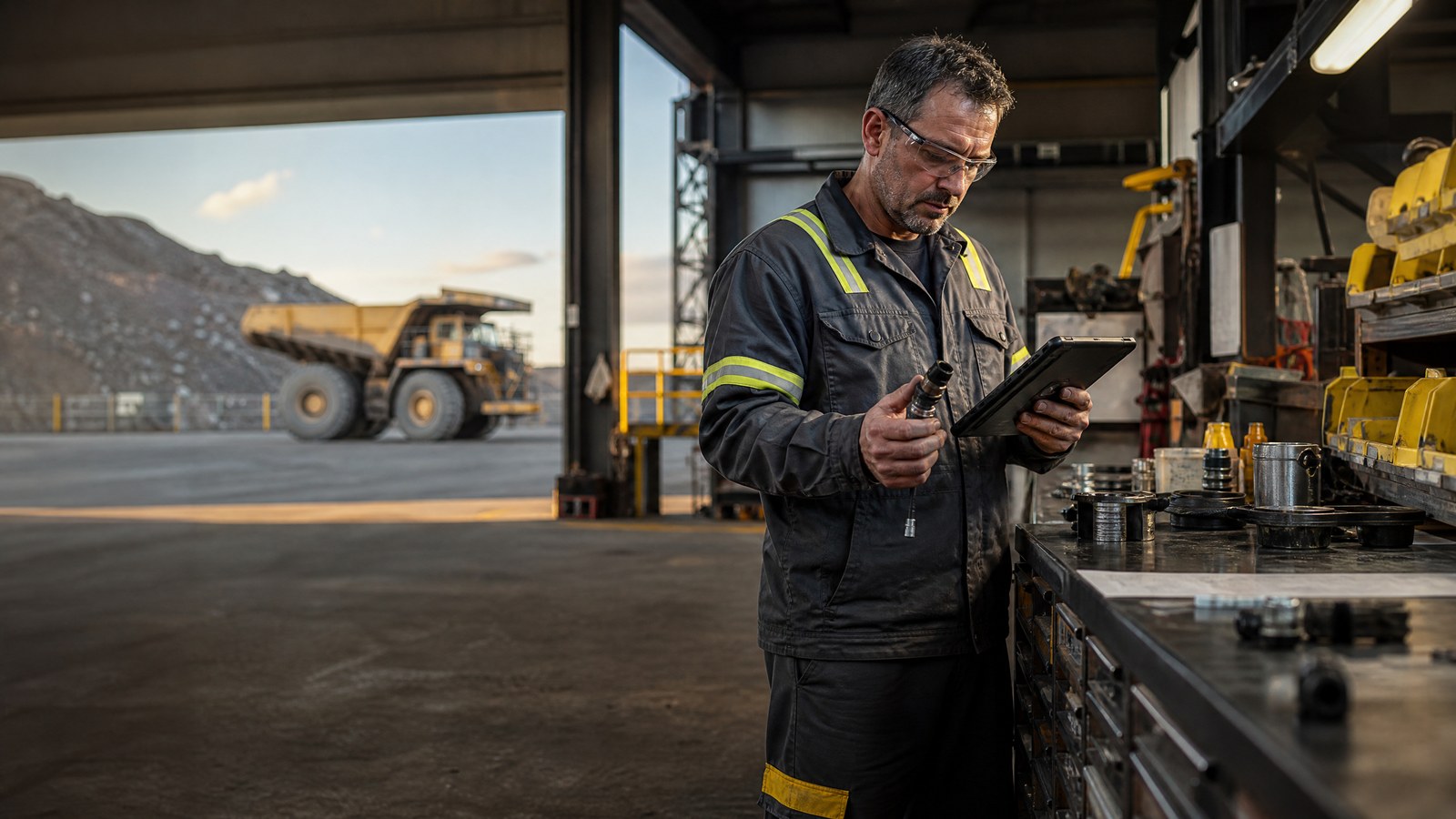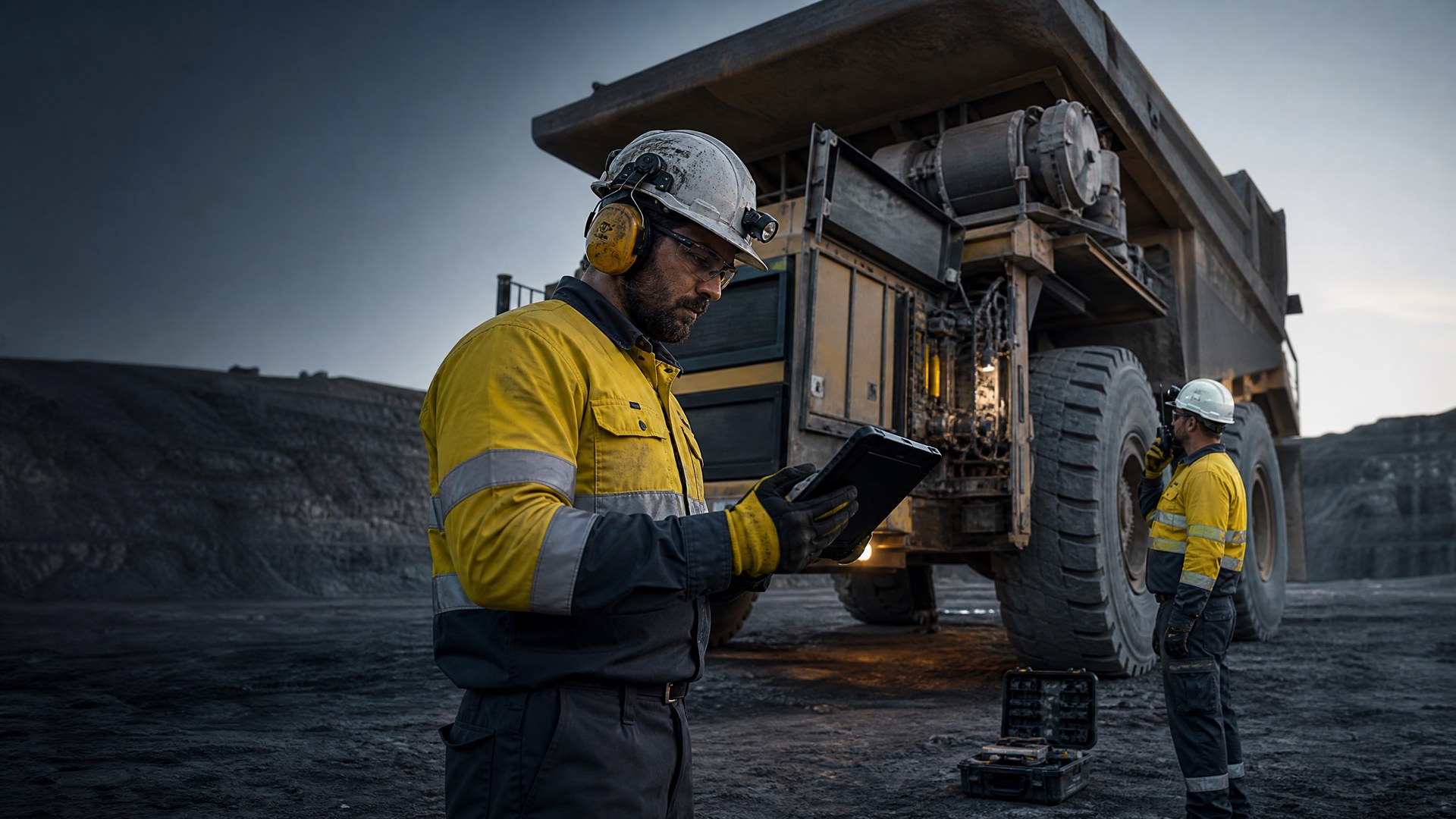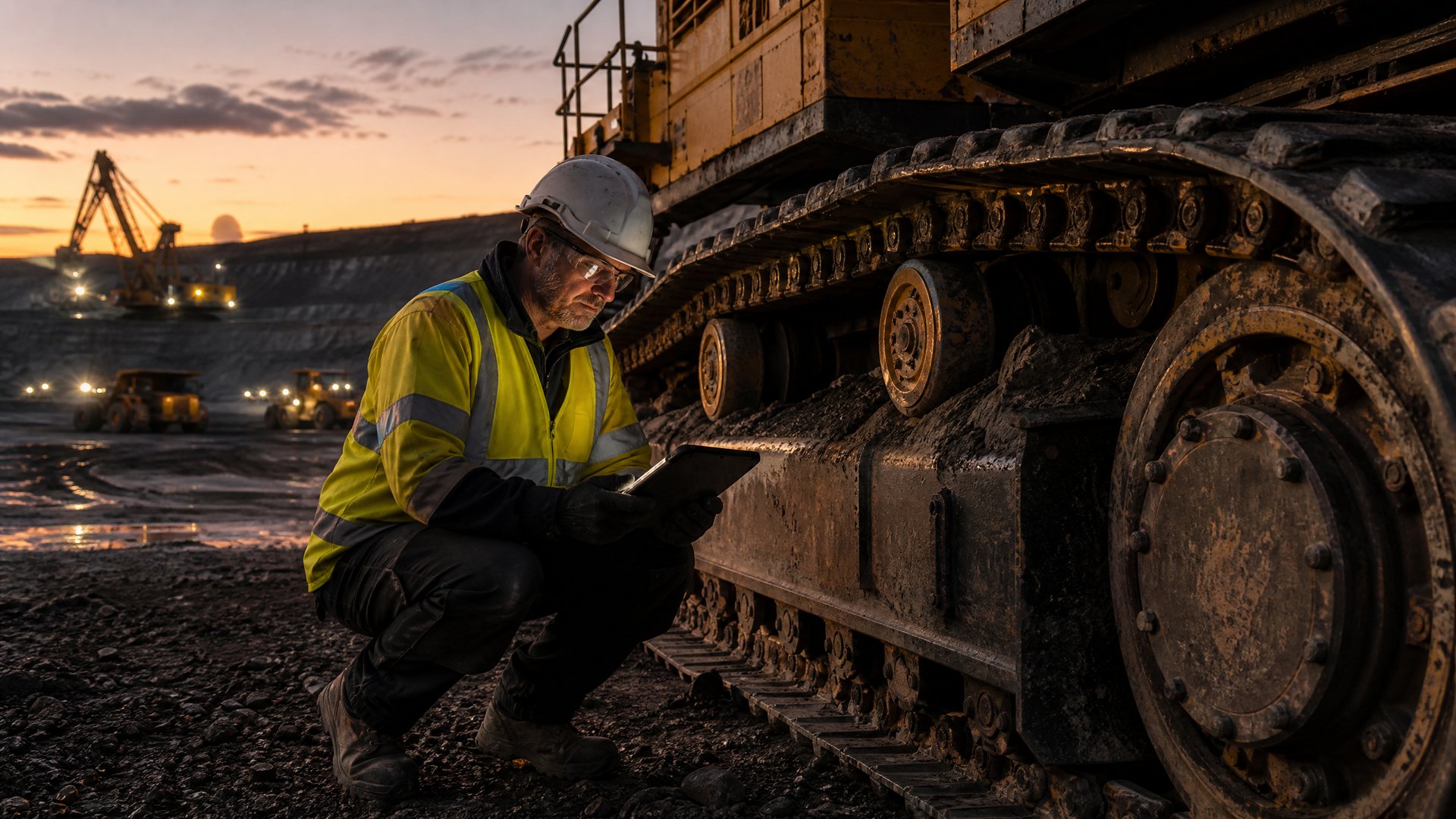

Build resilient remote operations with a machinery knowledge network that syncs offline, uses low bandwidth, and enables safety critical access anywhere.
Keeping Critical Know-How Online When Your Crew Is Offline
Heavy equipment seems to fail at the worst moments, like the hottest week of summer when the crew is racing a deadline and the nearest town is hours away. At remote mines, high plains wind farms, and long pipeline spreads, signal drops right when fault codes start flashing and everyone needs answers fast. Waiting for the cloud to load is not just annoying; it can slow work, increase risk, and push people to guess instead of follow proven steps.
That is why an offline-first machinery knowledge network is not a nice bonus. It is part of how crews stay safe and keep iron moving when the bar is hot and the ground is rough. At Torqn, we build a global knowledge network and mobile app for operators, techs, and owners who live in low-bandwidth, high-risk conditions. Here is how we think about offline-first design, smart sync, and safety-focused structure so front-line teams keep working, even when the bars on their phones disappear.
Why Remote Job Sites Break Traditional Knowledge Sharing
Most office tools assume solid internet all day. Remote job sites are the opposite. Signal is often weak, shared, and changing by the minute.
Crews deal with things like:
• Fringe LTE that drops to nothing when the weather shifts
• Overloaded site Wi-Fi that slows as soon as shift change hits
• Satellite links with delay, dead zones, or midday outages
• Seasonal storms that knock coverage out right when work ramps up
If every fix lives only in the cloud, people end up:
• Walking around to hunt for a better signal instead of fixing the problem
• Repeating the same trial and error because the last fix note is stuck online
• Taking risks and guessing on procedures when they cannot pull up guidance
On top of that, the best knowledge is often scattered. Some of it sits in paper notebooks, some in random text threads, and some only inside the head of the one expert who might be off shift or off site.
A purpose-built machinery knowledge network closes that gap. It gives crews a shared memory that lives on their devices, not only in the cloud, and ties urgent field problems to people who have solved that exact issue on that exact kind of machine, even if the network is barely there.
Core Principles of an Offline-First Industrial App
Offline-first is a simple but powerful idea. The phone or tablet is the main workspace. The cloud is for syncing, backup, and sharing, not for basic daily use.
In practice, that means the Torqn app treats every action as local first:
• New posts, checklists, and comments save to the device right away
• Photos and fault notes store locally, so they open even in a tunnel or pit
• Sync runs in the background when signal shows up, not in the middle of a fix
Data modeling has to support this. Content is broken into small, clear pieces: posts, replies, media, checklists, tags. Each piece gets its own local record and time stamp. When sync happens, the app can compare versions and merge changes without confusing the tech in the field.
Conflict handling has to be human, not just technical. We focus on:
• Simple version history with who changed what and when
• Clear “last updated” labels, right on the screen crews actually use
• Easy ways to pick the right version if two people edit the same item
Security and safety still matter, even offline. Role-based access controls decide who can see and do what. Data on the device is encrypted. At the same time, we keep safety-critical content like lockout/tagout and emergency steps fast to open, with no deep menu digging and no need to “log in again” in the middle of a tense situation.
Smart Sync Strategies for Low Bandwidth and Harsh Conditions
Not all data is equal when bandwidth is bad. Smart sync focuses on what keeps people safe and productive right now.
Torqn uses adaptive sync behavior that reacts to real-world conditions:
• Light sync when signal is weak, sending only text and small updates
• Fuller sync when the device is on charge or signal is stronger
• Priority rules so safety bulletins and fault threads go first
To avoid clogging weak links, we rely on:
• Delta sync, sending only what changed since the last connection
• Compression so updates are small and quick
• Deferred upload of heavy media like long videos unless the user marks them as critical
We also pre-fetch content that is likely to matter. Based on the equipment on site, planned work, and recent fault codes, the app can quietly cache:
• Startup and shutdown checklists for those machines
• Common failure modes and proven fixes
• Related parts diagrams or reference photos
Resilience tactics help when the link keeps coming and going. Actions queue with clear status, so users see what is pending, what is sent, and what needs attention. Automatic retry uses backoff patterns to avoid draining battery by trying too often. Before a big lift, hot work, or shift change, crews can trigger a focused sync so they know they hold the latest safety notes and procedures they depend on.
Designing Safety-Critical Access That Works in the Field
On a remote pad or bench, no one wants to tap through ten screens to find an emergency step. Safety content has to be glove-friendly and stress-proof.
We design around quick, focused access:
• Big, clear buttons for emergency and lockout/tagout content
• Short step lists with plain language and simple icons
• Offline bookmarks so the most-used guides are always one tap away
Search is built to work without signal. Techs can filter by:
• Machine make and model
• Component or subsystem
• Symptom, fault code, or condition
A machinery knowledge network can get noisy over time, so we separate signal from chatter. High-confidence answers and safety notes are flagged and lifted to the top of results. Domain experts, owners, and OEM partners can validate content so crews know which fix is trusted when time is short.
On-device fallbacks also matter. People can pin:
• Seasonal startup and shutdown guides
• Site-specific or climate-specific checklists
• Localized language versions of key procedures
That way, crews in blazing summer heat or sub-zero winter conditions always have the right version for how they actually work.
Turning Every Fix Into Shared, Offline-Ready Expertise
Every time a crew solves a problem, that win should help the next person, at the next site, even with no bars on the screen. Torqn turns each resolved issue into structured, reusable knowledge.
Instead of a quick text that disappears, the app nudges teams to capture:
• Photos showing the failed part and final fix
• Step-by-step actions in clear, field-friendly language
• Tool lists and parts used
• Notes on time-to-fix and what almost went wrong
Later, when another tech sees the same symptoms on a similar machine, the machinery knowledge network surfaces those proven fixes, sorted by relevance and confidence, even if the device is offline and far from town.
Tagging is the key to pattern spotting. Issues can be tagged by:
• Machine type, model, and configuration
• Component, system, and location on the machine
• Environment and season, like dust, mud, heat, or cold
Feedback loops keep everything honest. Operators and techs rate which solutions worked, add local tips, and flag hazards that show up only in certain seasons or soil types. Over time, the knowledge gets sharper, safer, and more suited to the real conditions crews face.
Build Your Next Season on Connected, Offline-First Knowledge
Remote operations will always wrestle with weak signal, wild weather, and hard work. What does not have to stay hard is getting the right fix, at the right time, in the right hands, even when the network is gone. An offline-first machinery knowledge network like Torqn makes the device in a pocket feel like a seasoned teammate, not just a camera and a contact list.
As you plan the next busy season, it helps to look at where work slows down now. When the network drops, what happens to troubleshooting, shift handover, and safety checks? A focused rollout, starting with a few high-value assets and crews, can turn every fix they complete into shared, offline-ready expertise that supports the rest of the fleet. Over time, those hard-earned lessons stop living only in one person’s head and start living in a tool that is always with your team, no matter how far from town the job takes them.
Accelerate Your Team With Proven Mining Equipment Insights
Tap into our industry expertise to make smarter, faster decisions about your fleet, maintenance, and capital planning. Explore our Machinery Knowledge Network to access real-world data, best practices, and tools tailored for mining operations. At Torqn, we help you turn complex equipment challenges into clear, confident actions. Start leveraging our insights today to cut downtime and get more value from every machine.