
Secure your mining equipment database with Torqn. Discover ways to prevent data loss and enhance reliability for your machinery records today.
Keeping your mining equipment database secure isn't just good practice. It’s something that directly affects how smoothly your operations run. This database holds all the important details about your machinery—past jobs, repairs, part history, downtime, and more. If that information goes missing or gets corrupted, it can lead to delays, equipment issues, and extra costs.
Unlike losing a few photos or old emails, losing detailed records from heavy equipment work affects not only planning but also compliance and long-term performance. That data gives you insight into wear patterns, job history, and even what machines to retire or invest in. The upside is, many data loss situations are avoidable. You just need a clear plan and the right tools to stay ahead of the risk.
Common Causes Of Data Loss
Data doesn’t usually disappear without reason. Most of the time, it's due to a mistake, a glitch, or some outside force that the system isn't prepared for. Understanding what causes data loss is the first step to stopping it before it happens.
Here are some typical causes of data loss inside a mining equipment tracking setup:
- Human error: This is one of the most common causes. A team member might accidentally delete the wrong log or overwrite something important. Without clear roles or a way to recover those changes, the mistake can stick.
- Hardware malfunctions: Nothing lasts forever. Hard drives fail, servers crash, and batteries on mobile devices don’t always make it through the shift. When key components go down, so can your data.
- Software problems: An update might fix one issue but create another. If a new version of your tracking app doesn’t play well with your system, you could find yourself locked out or facing corrupted files.
- Viruses and cyberattacks: Malware isn’t just a big-company issue. These programs can dig into your system and either encrypt, steal, or simply erase parts of your database.
- Uncontrolled processes: Without a clear routine for saving changes, syncing, or storing content, files can fall through the cracks. Maybe someone saves locally instead of to the shared system, or uses old naming habits that make records harder to find.
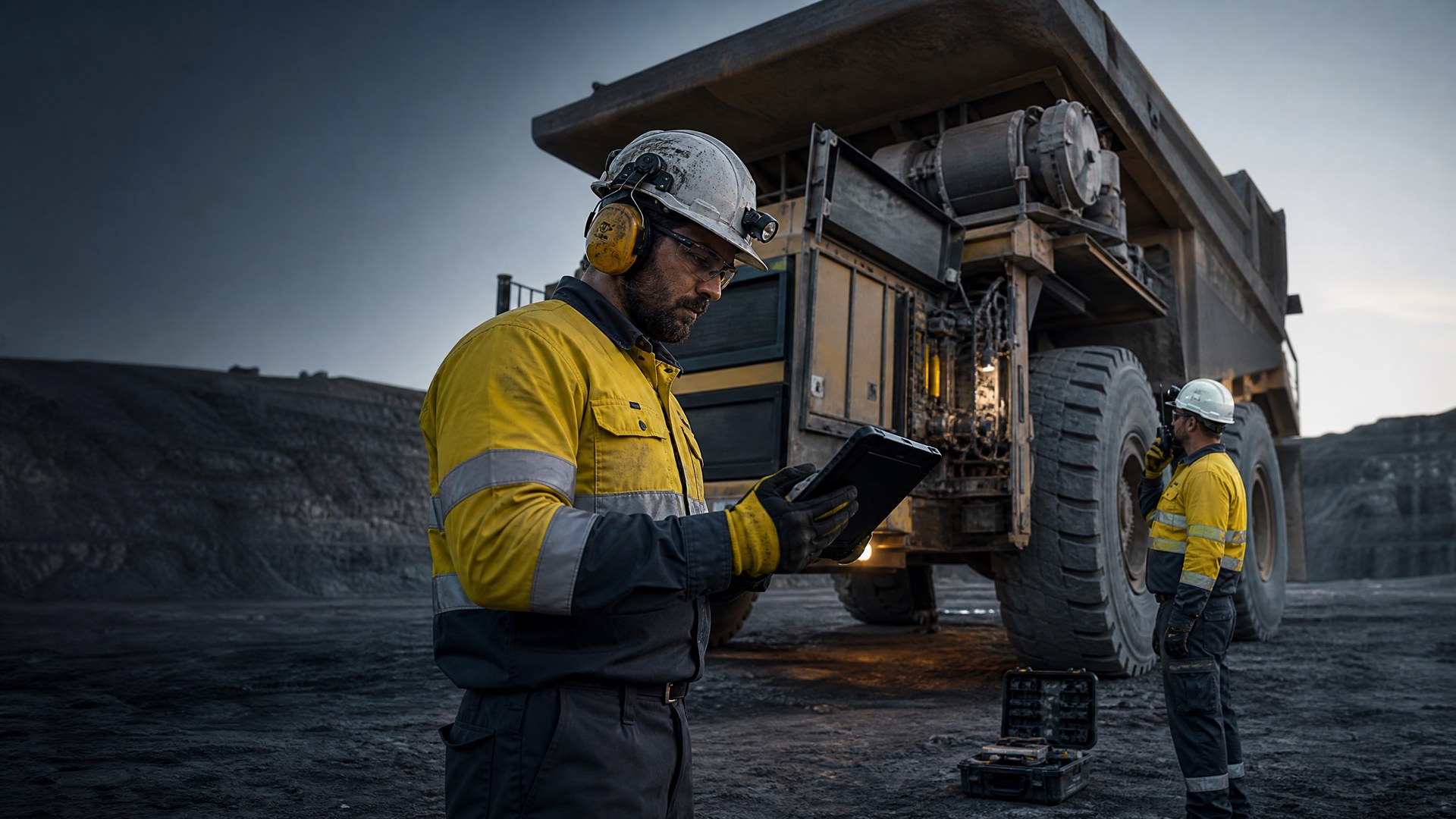
For example, if a technician is filling out a maintenance log on a tablet and the Wi-Fi drops, without a synced auto-save, that entry might never make it to the database. Multiply that across crews and days, and you’ve got major holes in your records.
Best Practices For Data Backup
The easiest way to prepare for surprise problems is having reliable backups. Mining operations generate valuable data daily, so backing it up regularly makes sure that important records are always recoverable. But just hitting “save” isn’t enough.
Here’s what a good backup routine should look like:
1. Create a schedule: Decide on a backup frequency that matches how often your data changes. If records are updated daily, make backup part of the daily process.
2. Use a mix of locations: Cloud storage is useful for speed and convenience, but don’t skip physical methods like external drives or a standalone server. If one goes down, the other can step in.
3. Test the backups: Files in your backup system mean nothing if they can’t open properly. Take time every so often to restore a file and make sure it’s working.
4. Keep backups separate: If your main system is infected or breached, and the backup was connected to that same system, it’s likely at risk too. Keep them in different places to limit damage.
5. Track everything: Use a basic log sheet to record backup times, who made them, and note any errors. It helps you stay consistent and spot potential problems early.
Think of backups as insurance. If a record ever vanishes, you’ll have the peace of mind knowing where to find another copy, without scrambling to gather the same information twice.
Implementing Strong Security Measures
Backups are one side of the coin. Prevention is the other. To really protect your mining equipment database, you need to make it hard for mistakes or attackers to get to your data in the first place.
Start at the entry points. Firewalls can block risky connections while antivirus software scans for known threats. These are basic levels of protection but offer a strong first layer between your data and outside risks.
Then comes control over who can access what. Not everybody needs full access to all records. Field operators might only need access to update service logs, while office staff receive a wider view but fewer editing abilities. This reduces user mistakes and increases accountability.
Encryption is like locking your files in a tough-to-crack code. If attackers do manage to get inside, they won’t be able to use any of the information unless they also steal the encryption key. That added layer makes the data much harder to turn into a real-world problem.
To make your security hold up, check off the following:
- Review and update user roles regularly
- Teach your team how to spot suspicious messages or links
- Make routine software updates a part of your normal schedule
- Monitor system activity to catch anything unusual early
For example, an IT manager might see a login attempt at 3 AM from an unknown location. Because the system logs activity and uses email alerts, they were able to shut down the account before anything harmful happened. That kind of early action only works when the right tools are in place.
Security isn’t about adding barriers. It’s about giving yourself a clear view of who’s using your data, how they’re using it, and making sure it stays that way.
Utilizing Torqn’s Platform For Data Security
Having a database is a start, but the real value comes from the way its tools work together. When systems aren’t synced and people use different methods to store files and share info, data gets messy fast. This is where Torqn comes in.
The right platform puts all your records in one place. It lets you assign roles, monitor activity, and update logs without the guesswork. Need to know who added a file or removed something? The activity trail is there. You don’t have to dig through folders or ask around.
With Torqn's tools, you can set reminders to update logs, flag missing entries, or note which files haven’t been touched in a while. That helps keep your records active and complete. It also creates less back-and-forth for workers who might otherwise waste time rechecking outdated info.
When dealing with service diagrams, training videos, spare part records, or inspection notes, organizing all of that in one secure place makes double-handling a thing of the past. No one wants to chase down the same manual five times or call someone just to check where a document was saved.
Torqn also supports structured backup methods built into the platform. That means data protection happens in the background, without extra steps from the user. So even if someone forgets to save or leaves a file open, the system helps protect against any loss.
When you give every user the right access, make updates easy to track, and use automatic protection tools, your equipment data becomes stronger and easier to manage.
Building Confidence Through Prevention
Running without a strategy for data loss is like leaving heavy equipment unlocked overnight. Sooner or later, something will go missing, and fixing it will take more effort than building a solid plan in the first place.
Avoiding data loss doesn’t mean hiring new staff or buying a dozen new tools. It means being thoughtful about how you organize, back up, and protect your records. With backup schedules, strong user controls, clear structure, and a secure platform, you can make sure your mining equipment database supports every part of your operation.
Good data helps your team know what’s happened, what needs fixing, and what’s coming next. Keeping that intact means fewer surprises and more time spent doing the work that keeps your business moving forward.
Data loss doesn’t just slow things down. It also brings extra risk and wasted effort. But simple steps taken consistently give your system real staying power. Being prepared is what turns equipment history into future insight, and your database into a tool you can count on.
Securing your mining operations takes more than just a strategy for data management. It's about making sure every machine is tracked and monitored consistently to avoid unnecessary downtime. At Torqn, we tailor our solutions to support a reliable mining equipment database, helping you maintain control over your records while improving the way your team works. Let us show you how to create stronger processes and reduce the risk of lost or inaccurate data.