Built for safety
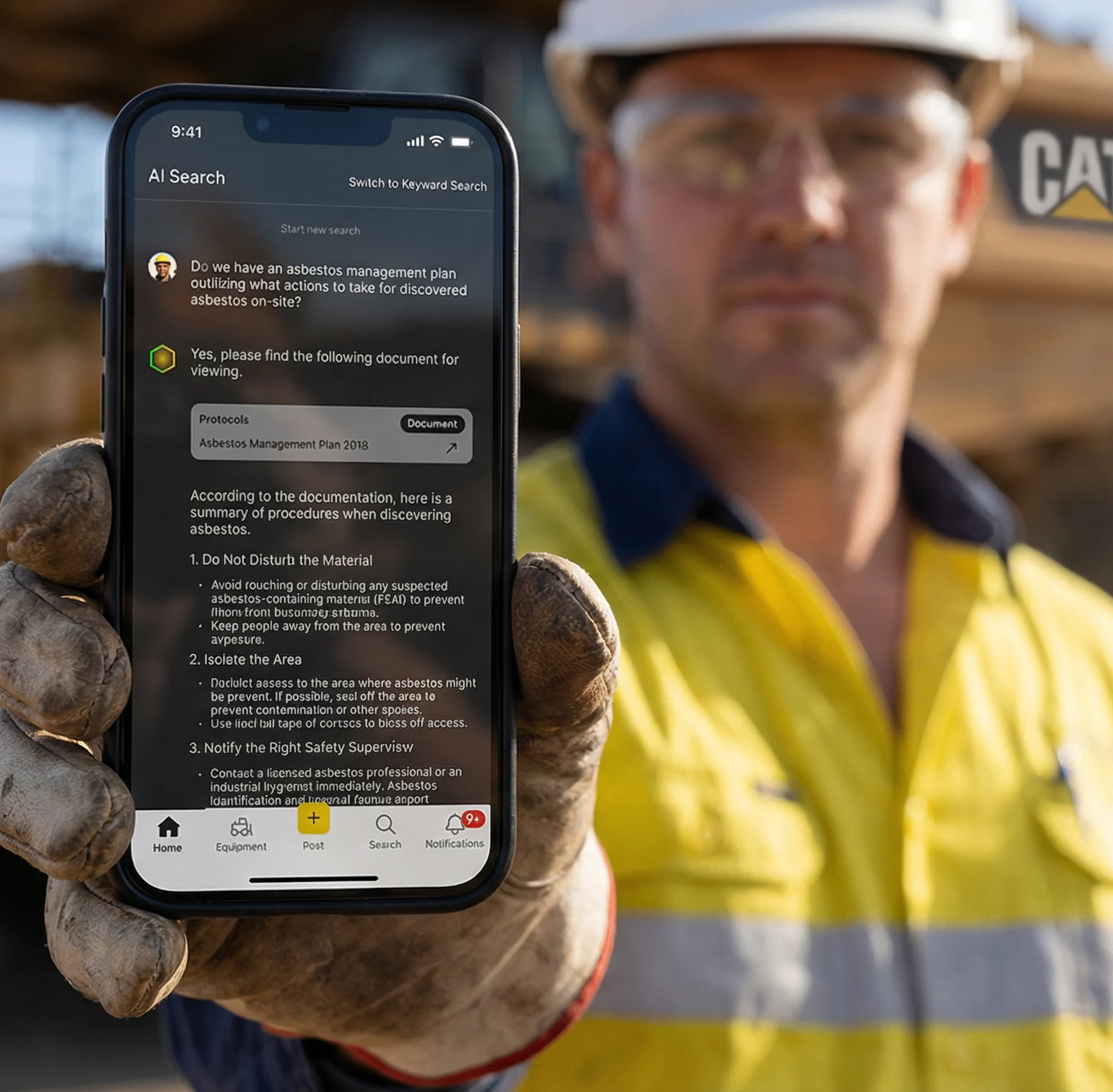
Built-in guardrails restrict answers to your documents. If the answer isn’t there—or the question is unrelated—Torqn Docs says so instead of making one up.



Torqn Docs · Mining & construction operations
Turn long manuals into fast, source-linked answers. Your people get information from your own SOPs, manuals and procedures—without digging through PDFs or pulling an engineer off the job.
Keep skilled people on skilled work. Keep the source in view.
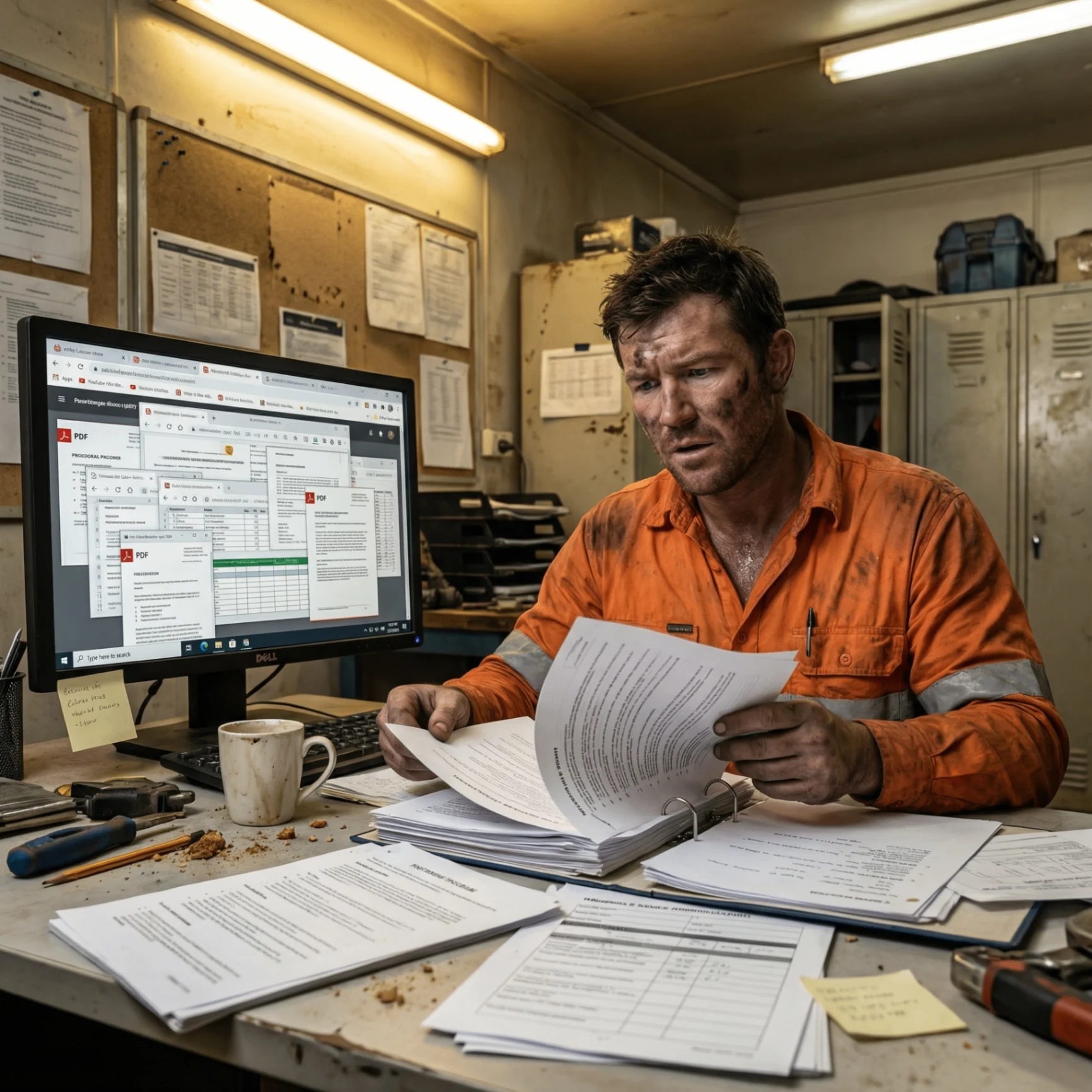
The reality
This is a system problem, not a people problem. Your people want to follow procedures. But when the answer is buried in shared drives, they either spend ages searching, interrupt someone senior or work from memory. You pay for the wasted time—and carry the risk of missed steps.
Built-in guardrails restrict answers to your documents. If the answer isn’t there—or the question is unrelated—Torqn Docs says so instead of making one up.
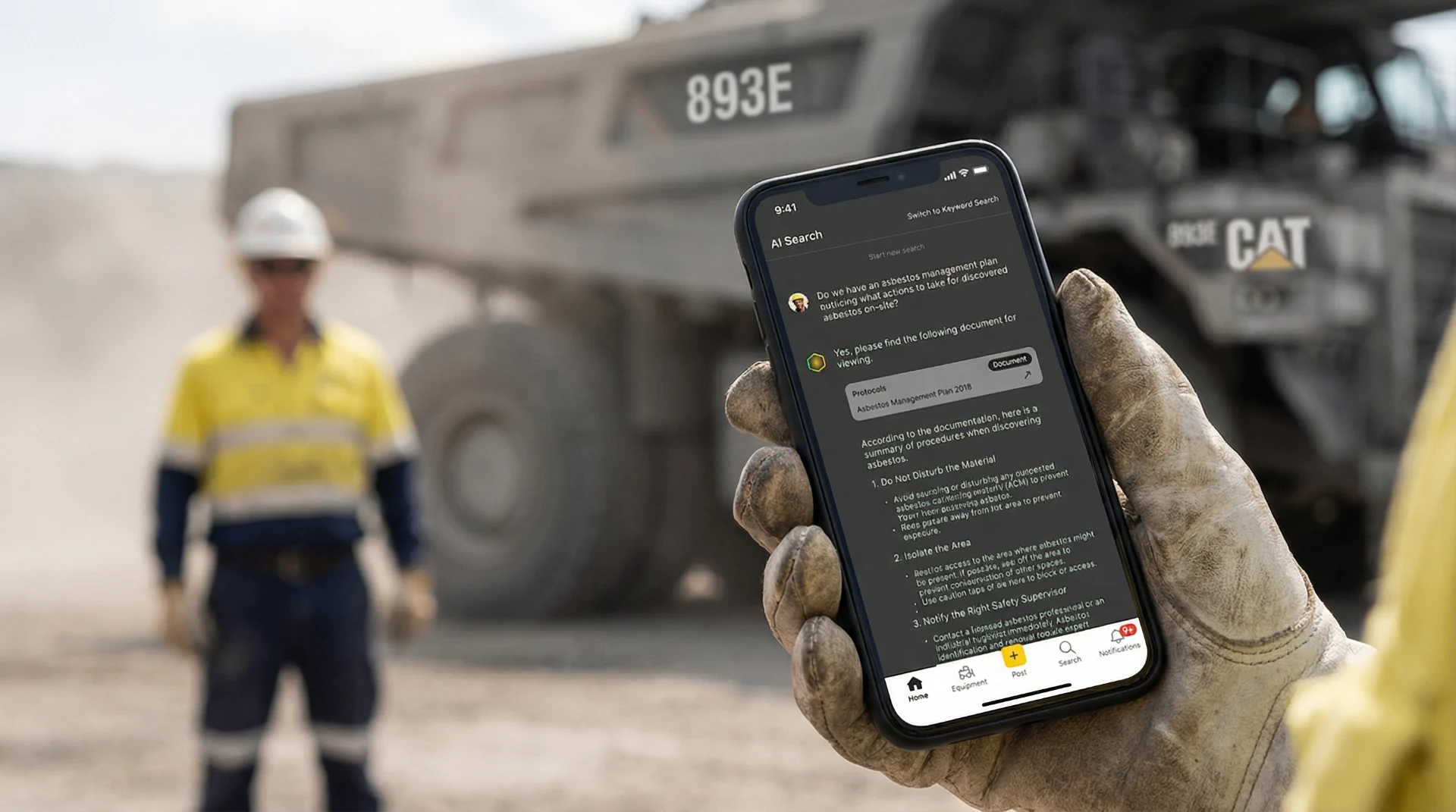
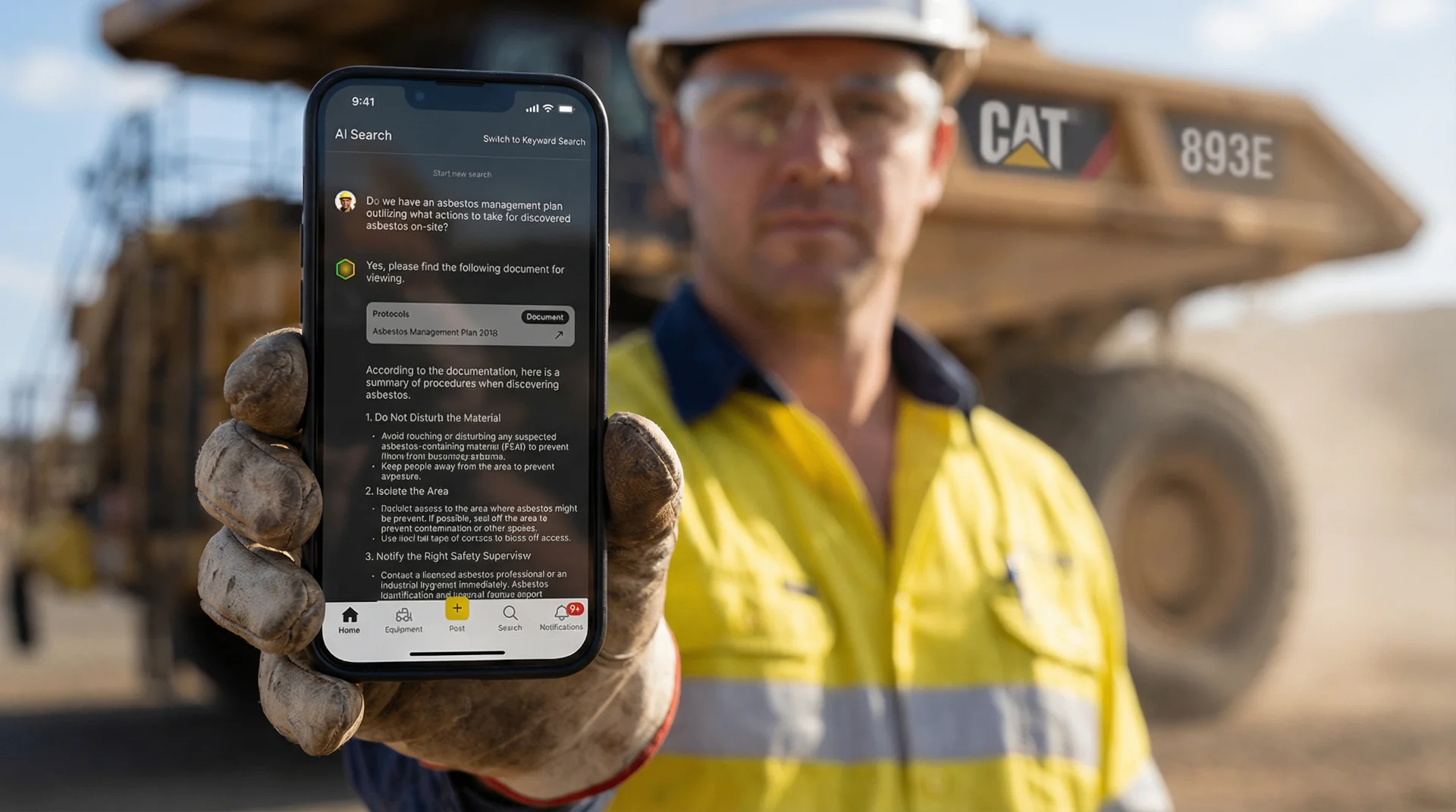
Answers come with the document, section and page they came from. Operators can open the original source directly from the answer and check it themselves.
If someone can type a text message, they can use Torqn Docs. Ask a question in plain English and get an answer. No product training required.
The method
Answers from your own documents. Industry context built in. A source you can check—and guardrails that stop the system filling gaps with invented procedures.
Bring together the SOPs, JSAs, manuals and project files your team needs to reference.
Understands mining terminology, equipment names and your site’s language. When someone asks about “LW”, it understands they mean longwall.
Make the relevant document, section and page visible so the answer can be checked in context.
Built-in guardrails restrict answers to your documents. If the information is not there, Torqn Docs says so instead of trying to please you with a made-up answer.
Ask. Check. Get back to work.
Ask the question the way you would on site. See the answer write itself, with the documents and page references alongside.
Where are the isolation points for conveyor 301?
Illustration only—not instructions for use on site. Follow your current approved procedures and ground-support plan.
Document library
The source stays attached to the answer. Start with the documents people reach for every day, from specifications to procedures.
Find the relevant requirement without beginning at page one.
Bring equipment and maintenance references into the same conversation.
Keep key site context close to the question.
Make the source easier to check at the moment it matters.
How it works
Start with the SOPs, manuals, standards and procedures your operation already relies on.
Ask in plain English, just as you would ask a colleague. No product training. People can pick it up and get started.
Use the document, section and page reference to review the current approved information before acting.
What’s included
A document library, a team workspace and support getting it into use. Not just another login to manage.
A practical rollout
Your IT team has enough to do. Torqn Docs gives you a supported solution—from document setup to rollout—without another in-house app to build and maintain. We help your people get answers; your team gets on with bigger problems.
Who it’s for
Different roles ask different questions. The source and the person doing the work stay connected.
Stop digging through submittals late at night. Find answers about shutdown schedules, variation orders and contractor compliance without restarting the document hunt.
“What’s the deadline for the SAG mill relining submittal?”Cross-reference geotechnical reports against design specifications. Find ore processing parameters without flipping through hundreds of pages.
“Maximum allowable vibration for the ball mill foundation?”Get field answers without calling the office. Access blast plans, ground support specifications and shift procedures at the point of work.
“What’s the ground support standard for Level 12 decline?”Access equipment procedures and operational parameters without searching through binders in the crib room.
“What’s the max tonnage rate for conveyor CV-04?”Navigate maintenance manuals and SOPs. Find part numbers, torque specifications and isolation procedures for mine equipment.
“Bearing replacement interval for the apron feeder drive?”Verify compliance procedures in real time. Keep JHAs, SWMS, trigger action response plans and emergency protocols easier to reference.
“What’s the TARP for pit wall displacement exceeding 10mm?”Operational relevance
A document library is only useful when the person with the question can find and review the right information when the job is happening.
Give people a more direct route to the documents behind the task.
Move routine document lookup away from the people needed for higher-value work.
Keep the cited page and section visible instead of handing on an unsupported answer.
Make it simpler to locate the current approved documentation before acting.
Questions
Start with the documents and questions that create the most searching and interruptions in your operation.
Stop searching. Start finding.
Bring your documents and the questions that keep pulling people off the job. See Torqn Docs find the answers and show where they came from.